

Free online sheet music player
Sheet Music Player for MusicXML, MIDI and Scanned Pages
Open a score file or scan a printed page, press Play, and follow the notes as they sound. Slow it down or move it up and down by semitones.
- costfree, no account
- privacystays in browser
- file sizeup to 8 MB
Opening a MusicXML, MXL or MIDI file is free and happens in your browser, with no account. Scanning a printed page needs an account and credits.
A sheet music player for the score you actually have
Pick the situation that looks like yours. Each one says what this sheet music player does and where it stops.
You want to hear a piece before you sign up for anything or pay a subscription.
Open a score file
Choose a MusicXML, MXL or MIDI file and it plays in your browser. No account, nothing uploaded, nothing to install. Scanning a photo is the only part that needs an account. Nothing is saved for files, so reloading clears the score.
Your music is on paper or in a book and you cannot sight-read it well enough to know how it goes.
Scan a printed page
Sign in, take a photo or pick an image of the page, press the scan button and wait. Then press Play. The button shows the cost in credits before you start. It reads one image per scan.
Your score is a PDF, and most players want a score file or a picture.
PDF, in two steps
This page does not open PDF. Convert the PDF with PDF to MusicXML first, then open the MusicXML file here and press Play.
Scans miss dots and rests, or fail on a dark, tilted or handwritten page.
A clear photo helps
The page is read by optical music recognition. If it fails, the page tells you to try a clearer, well-lit photo, and credits come back when the recognition job itself fails. It reads printed five-line notation only, and it can still misread notes. You cannot correct them on this page.
You want to slow a piece down and watch the notes while you play along.
Tempo and follow-along
Set the tempo as a percent, from 1 to 300, and the BPM shows next to it. Press Play and the sounding notes turn dark blue in every part. Changing tempo keeps your place.
All you have is a MIDI file or a MusicXML export from another program.
MIDI and MusicXML
Every MusicXML part is drawn and played with a matching sound. A MIDI file becomes one two-staff piano score at the default tempo, with rhythm placed on a 16th-note grid.
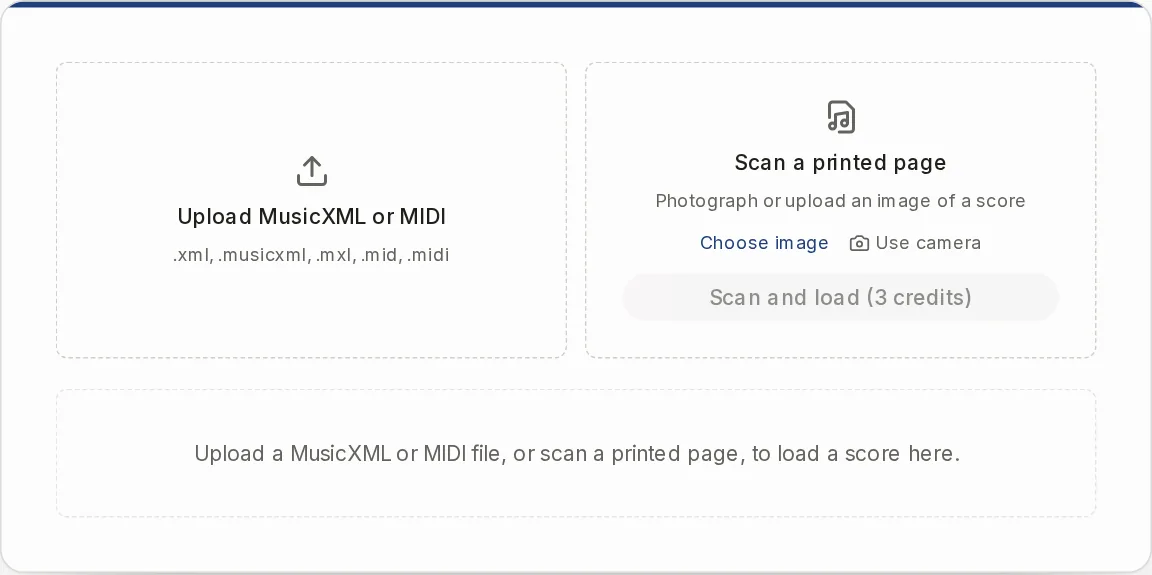
Play sheet music online: two ways in
Open a file if you already have one. MusicXML (.xml, .musicxml), compressed MusicXML (.mxl) and MIDI (.mid, .midi) up to 8 MB open in your browser. It costs nothing and needs no account.
Scan if you only have paper. Upload a PNG, JPG or WEBP up to 12 MB, or use the camera on your phone. Your page is read on our server, so this route needs an account and credits, and you wait on the page until the score loads. The scan is saved to My Library.
Use it on music you own or have the right to use, for personal practice and study.
How to hear sheet music in four steps
- 1
Load your score
Choose a file, or scan a page. A MusicXML score shows every part on a white sheet, four bars to a line.
- 2
Press Play
The sounding notes turn dark blue in all parts. Click the progress bar to jump to another spot.
- 3
Set the tempo
Type a percent. 100 is the score's tempo. Scores without a tempo marking, and MIDI files, start at the player's default.
- 4
Transpose if you need to
Step up or down one semitone at a time, from -12 to +12. The notation and the sound follow, and so does the MIDI download. The MusicXML download stays as you loaded it.
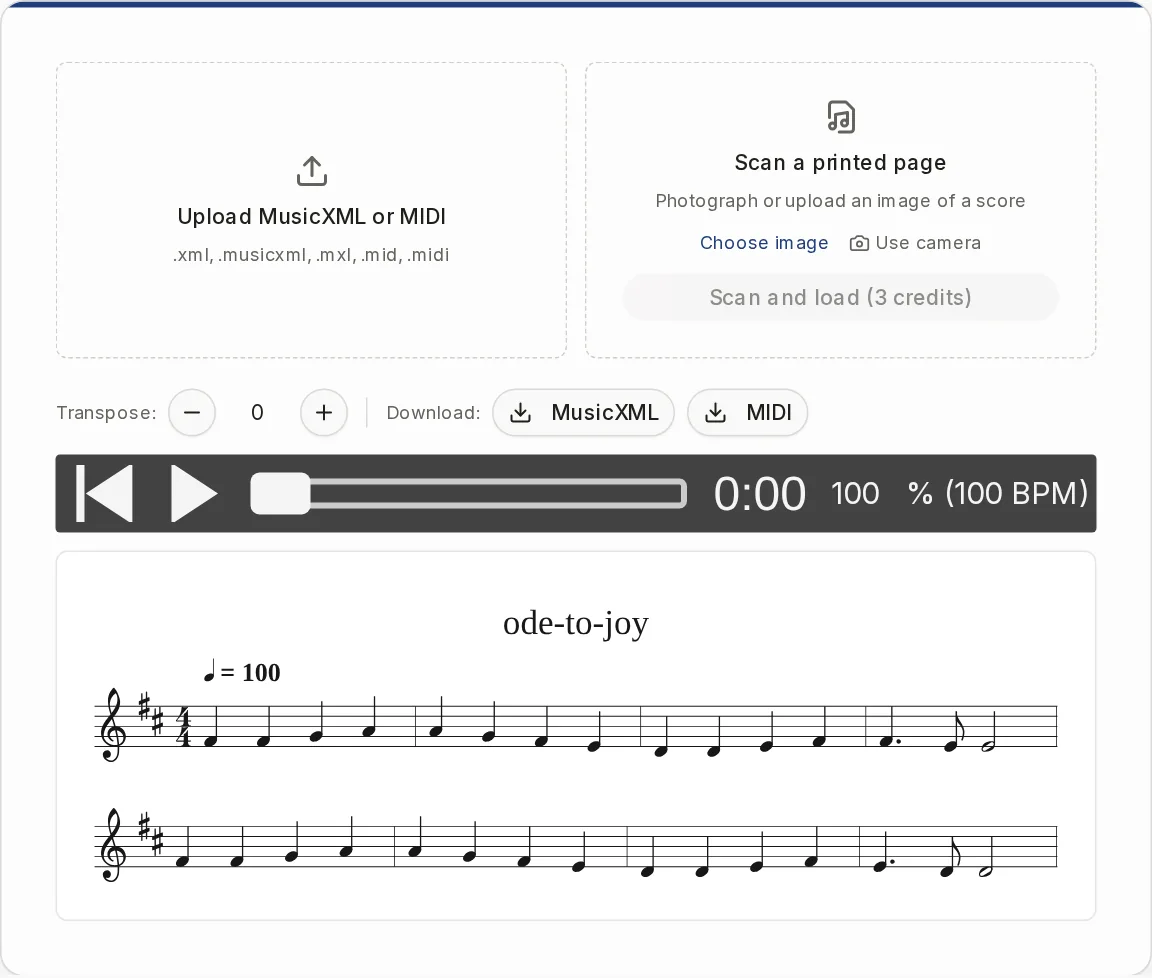
What this player does and what it leaves out
It is for listening and following along, not a faithful viewer of the original page.
It does
- Play a score file in your browser, free and without an account
- Highlight the sounding notes in all parts
- Change tempo from 1 to 300 percent
- Transpose the view and the sound, with a MIDI download that follows
- Give each MusicXML part a matching sound
- Download MusicXML and MIDI
It does not
- Open PDF, ABC, MuseScore or audio files
- Mute or solo a single part, or pick the instrument
- Loop a passage, click a metronome or count you in
- Play repeats twice, or follow tempo and time signature changes after the first
- Draw lyrics, chords, dynamics, slurs or the original layout
- Scroll by itself while the music plays
When another tool fits better
If you need something this player does not do, these are the honest next steps.
Sheet Music Scanner
You want an editable MusicXML file from a photo of a page, not only to hear it.
OpenMusic Transposer
You need a transposed score for a transposing instrument, with a PDF and MIDI to download.
OpenMIDI to Sheet Music
You have a MIDI file and want to read it as a piano score with PDF and MusicXML downloads.
Open
Sheet music player questions
Can you take a picture of sheet music and play it?
Yes. Sign in, choose a photo of one printed page, press the scan button and wait for the score to load, then press Play. It works best on a clear, well-lit photo of printed notation. The button shows the cost in credits, and the Pricing page has the details.
Is there a program that will play sheet music?
Yes, this page does it in your browser. Open a MusicXML, MXL or MIDI file and press Play. Nothing to install.
Is there a free way to convert sheet music to audio?
You can hear a score for free by opening a file here, but the page does not export MP3 or WAV. You can download MusicXML and MIDI. Opening a file needs no account, and scanning a photo does.
Does it play PDF sheet music?
Not directly. Run the PDF through PDF to MusicXML, then open the resulting MusicXML file here.
Can I hear only my own part?
No. All parts play together and there is no mute, solo or volume per part. Every part is highlighted, so you can follow your own line by eye.
Does it play repeats and tempo changes?
No. Repeats are not played twice, and only the first tempo and time signature are used. You can change the tempo yourself with the percent field.
What happens to my MIDI file?
It is turned into one piano score in your browser. Tracks are merged, notes from middle C up go to the treble staff and the rest to the bass staff. Drum tracks are not shown as drums, and it plays at the default tempo until you change it.
Is my file uploaded?
Not when you open a MusicXML, MXL or MIDI file. It opens in your browser and nothing is saved. A scanned photo is different: it goes to our server and the scan is saved to your library.
Does it keep the key signature?
For MusicXML and MXL files, yes, the first key signature is kept. MIDI files and scanned pages open without one.
Hear your score now
Open a file for free, or scan a printed page when you only have paper.