

Audio to Sheet Music
Audio to Sheet Music: Pick One Instrument, Get a Draft Score
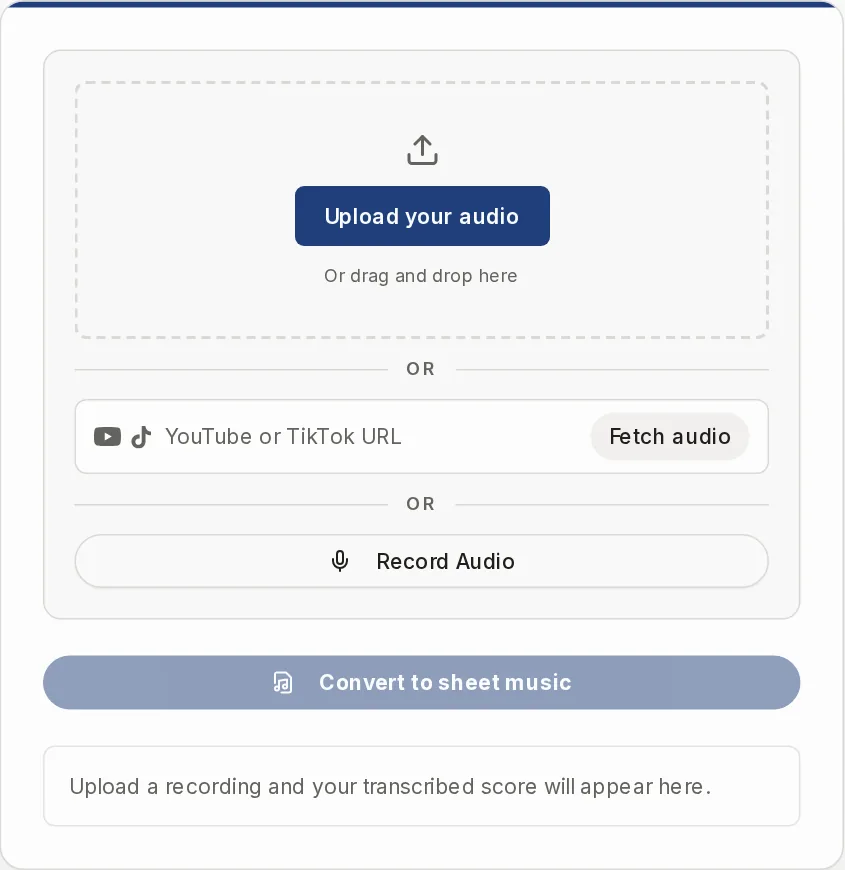
Upload a recording, paste a YouTube or TikTok link, or record yourself, then choose the instrument to transcribe. Our servers write it out. Check the draft by ear and correct it in a notation program.
- accesssign-in, credits
- processingour servers
- per runone instrument
Upload a recording and your transcribed score will appear here.
Audio to sheet music that starts with one instrument, not the whole band
Automatic transcription is hard, and most complaints come from the same few places. Here is what this tool does about each one, and where it stops. Every result is a draft you check by ear.
You feed in a full band and get a messy pile of notes.
Pick one instrument
You choose the instrument before the run. The Standard engine first isolates that part from the mix, then writes only that line. You get one instrument per run, never a full band score. Dense mixes, distortion and reverb still give rougher drafts.
You only care about the guitar, the bass or the vocal.
Isolate, then transcribe
Piano, Vocals, Guitar and Bass are separated and written in one run. If the recording is already a solo, switch on "This is a solo recording" and the separation step is skipped. There is no download of the isolated audio.
Converters miss notes and put them in the wrong octave.
Two engines, MusicXML out
The Standard engine is labeled lower accuracy. The HQ engine uses one dedicated model per instrument and gives a cleaner score, but it needs a paid plan or credits. Either way, wrong and missing notes happen. Press Play to compare with the original, then fix the rest in MuseScore, Sibelius, Finale or Dorico.
It looks free, then asks for money after your first try.
Costs shown before you start
You sign in first. Every run uses credits, and welcome credits are a small starting balance, not a free tier. The dialog shows the engine, the instrument and the price before anything starts. A free account can run the Standard engine with its four instruments. HQ shows a lock. Failed runs are refunded. See the Pricing page.
You need to correct the result afterward.
MusicXML, ABC and MIDI
The MusicXML file is the full transcription and opens in any notation program. MIDI opens in a DAW. There is no note editor here, and no PDF button. To change the key, load the file into the Music Transposer.
You heard it on YouTube and don't want to download anything first.
Paste a link, Fetch audio
Paste a YouTube or TikTok link and press "Fetch audio". Our server pulls the audio track, and fetching costs no credits. Other sites are not supported. Private, age-restricted or blocked videos can fail. Use it on music you own or may use, for practice and study.
There is no published sheet music for the song you want to learn.
A first draft to learn from
Upload the recording, pick the instrument and get a score you can play back next to the original. It is a starting point, not a published arrangement, and it is not meant for making sheet music to distribute or sell.
You sang or hummed a tune and the result is way off.
Record Audio, then Vocals
Press "Record Audio", record your take, then choose Vocals. For an a cappella take, switch on the solo option. You get the melody only, with no lyrics. It records first and transcribes after, so nothing happens live. A noisy take gives a poor draft.
How to transcribe music from an audio file, a link or the microphone
- 1
Sign in and add your audio
Upload an MP3, WAV, FLAC, OGG, AAC, M4A, MP4 audio or WebM file with "Upload your audio". Or paste a YouTube or TikTok link and press "Fetch audio". Or press "Record Audio". Copy-protected files are refused before you are charged.
- 2
Press "Convert to sheet music"
A dialog asks what to transcribe: the engine and one instrument. The button shows the price before anything starts.
- 3
Pick the instrument
Piano, Vocals, Guitar or Bass on the Standard engine. Drums, Flute, Violin, Trumpet, Saxophone and Piano arrangement need the HQ engine.
- 4
Wait, or leave the page
The job runs on our servers, not in your browser. It takes minutes, not seconds. You can leave: the score is saved to My Library, and "Email me when it is done" sends a note.
- 5
Listen, then download
Play the score and check it against the recording. Download MusicXML, ABC or MIDI. The MusicXML file is the full transcription.
Standard engine or HQ engine
Both write one instrument per run. HQ needs a paid plan or purchased credits, and it can be fully booked for a month. Then the Standard engine stays available.
| Standard engine | HQ engine | |
|---|---|---|
| Who can use it | Any signed-in account, with welcome credits or paid credits | Paying accounts only (a plan or a credit pack). Others see a lock and "See plans" |
| Instruments | Piano, Vocals, Guitar, Bass | Those four plus Drums, Flute, Violin, Trumpet, Saxophone and Piano arrangement |
| How it handles a mix | Isolates your instrument first, then transcribes it. Skip that with the solo switch | One dedicated model per instrument, no separation step |
| Result | Labeled lower accuracy, no chords | Labeled a cleaner score, still a draft |
| Recording length | No set limit, but very long jobs can time out and are refunded | One section per run. Longer MP3 or WAV files open a trim step, and each section is a separate run and score |
| Options | Time signature, key and tempo, or leave them on Auto | None |
Get a better draft out of your recording
The tool cannot fix a bad source. These habits help most.
Choose an instrument that is clearly in the recording
If it is not there, the run ends with a message and your credits come back.
Prefer a clean, dry take
Distortion, heavy reverb, live rooms and fast passages give rougher scores.
Use the solo switch only for real solos
It skips separation. On a full mix it just feeds the mix in.
Trim long recordings on HQ
Use "Pick the section to transcribe" and Play selection to choose the part you want. Trimming works for MP3 and WAV, not for microphone takes.
Leave Auto on unless you know the piece
Time signature, key and tempo can be set on the Standard engine. On vocals, guitar and bass 6/8 comes out as 6/4.
Check by ear before you trust it
Play it back beside the original, then correct it in a notation program.
What this transcription tool does not do
One instrument per run
No full band or orchestra score. A second instrument is a second run and a second charge.
Limited instrument list
No cello, viola, clarinet, oboe, trombone, horn, harp, organ or ukulele.
No tab, no lyrics
Guitar and bass come back as standard notation, not tablature. Vocals give the melody only.
No editing or PDF here
No note editor, and no PDF or print button. Correct the file in a notation program.
Not private, not offline
Your audio is uploaded to and stored on our servers. You need an account, and there is no offline use.
Not instant, not live
A full song takes minutes. There are no live notes while you play.
Limited formats
AIFF, WMA, MIDI, and Instagram, Spotify or SoundCloud links are not accepted. For MIDI, use the MIDI to Sheet Music page.
No accuracy promise
Expect wrong notes, wrong octaves and rough rhythm. Always check the result.
After the transcription
Where to go with the file next, or when another tool fits better.
Sheet Music Player
Load the MusicXML or MIDI to listen with highlighted notes, change the tempo and transpose.
Open
Audio to sheet music: questions people ask
Is there a free audio to sheet music converter?
Partly. You need an account, and every run costs credits. New accounts get a small starting balance of welcome credits, which you can use on the Standard engine. The HQ engine and its extra instruments need a paid plan or credits. Prices are on the button and at /pricing.
Can I convert an MP3 to sheet music?
Yes. MP3, WAV, FLAC, OGG, AAC, M4A, MP4 audio and WebM are accepted. You pick one instrument, and you get a draft score in the browser with MusicXML, ABC and MIDI downloads.
Can I transcribe a YouTube video?
Yes, with a YouTube or TikTok link. Paste it, press "Fetch audio", then convert. Fetching costs no credits. Use it for music you own or may use, for personal practice and study.
Can it write out a whole band?
No. It writes one instrument per run. Choose the part you want, and run again for a second part.
How accurate is automatic music transcription?
We make no promise. Automatic transcription misses notes, misplaces octaves and simplifies rhythm, and dense or noisy recordings are worse. Treat the score as a draft and check it by ear.
Can I get guitar tabs or a PDF?
Not from this tool. Guitar and bass come out as standard notation, and the downloads are MusicXML, ABC and MIDI. Open the MusicXML in a notation program to make a PDF, or load it into the Music Transposer and export there.
How long does it take?
Minutes. The dialog shows an estimate before you start. HQ takes about one to three minutes, and a full mix on the Standard engine takes longer. You can leave the page, and the score waits in My Library.
What if the run fails?
Failed runs are refunded, and you can retry. A file that is copy-protected or not real audio is refused before you are charged.
Can I fix the notes on this site?
No. There is no note editor here. Download the MusicXML and correct it in MuseScore, Sibelius, Finale or Dorico.
Try it on a recording you know well
Pick one instrument, add your audio and check the draft by ear. The price shows before you start.